Mosque Details & Branding
Manage your mosque's name, display title, timezone, logo, and custom domain settings.
Edit mosque details
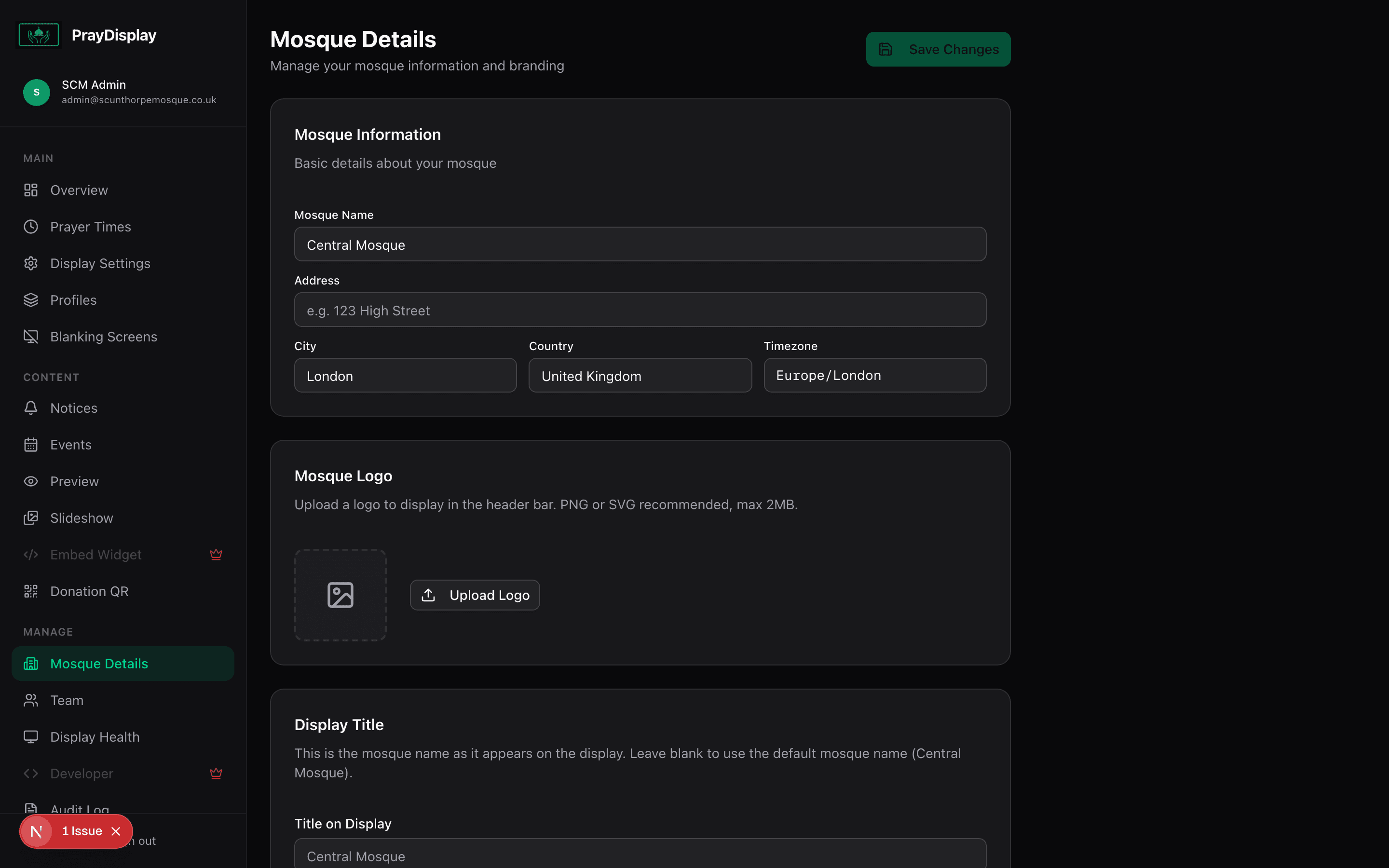
Navigate to 'Mosque Details' in the sidebar. Here you can update your mosque's name, display title (shown on screen), address, city, country, and timezone. The display title lets you customise what appears on the TV without changing your mosque's registered name.
Upload your mosque logo
On the same page, find the logo section. Upload your mosque's logo (PNG, SVG, or JPG, max 2MB). The logo appears in the header of your prayer display and on the monthly timetable view.
Custom domain (Pro)
On the Pro plan, you can connect a custom domain (e.g. display.yourmosque.com) to your prayer display. Enter your domain in the 'Custom Domain' field and add a CNAME DNS record pointing to praydisplay.co.uk.
Display title vs Mosque name: The mosque name is used in your dashboard and admin URLs. The display title is what shows on the TV screen. This lets you use a shorter or more stylised name on the display (e.g. "Central Mosque" instead of "Central Mosque & Islamic Centre").