Events
Create and manage mosque events that display on your prayer screen with automatic date-based visibility.
Create an event
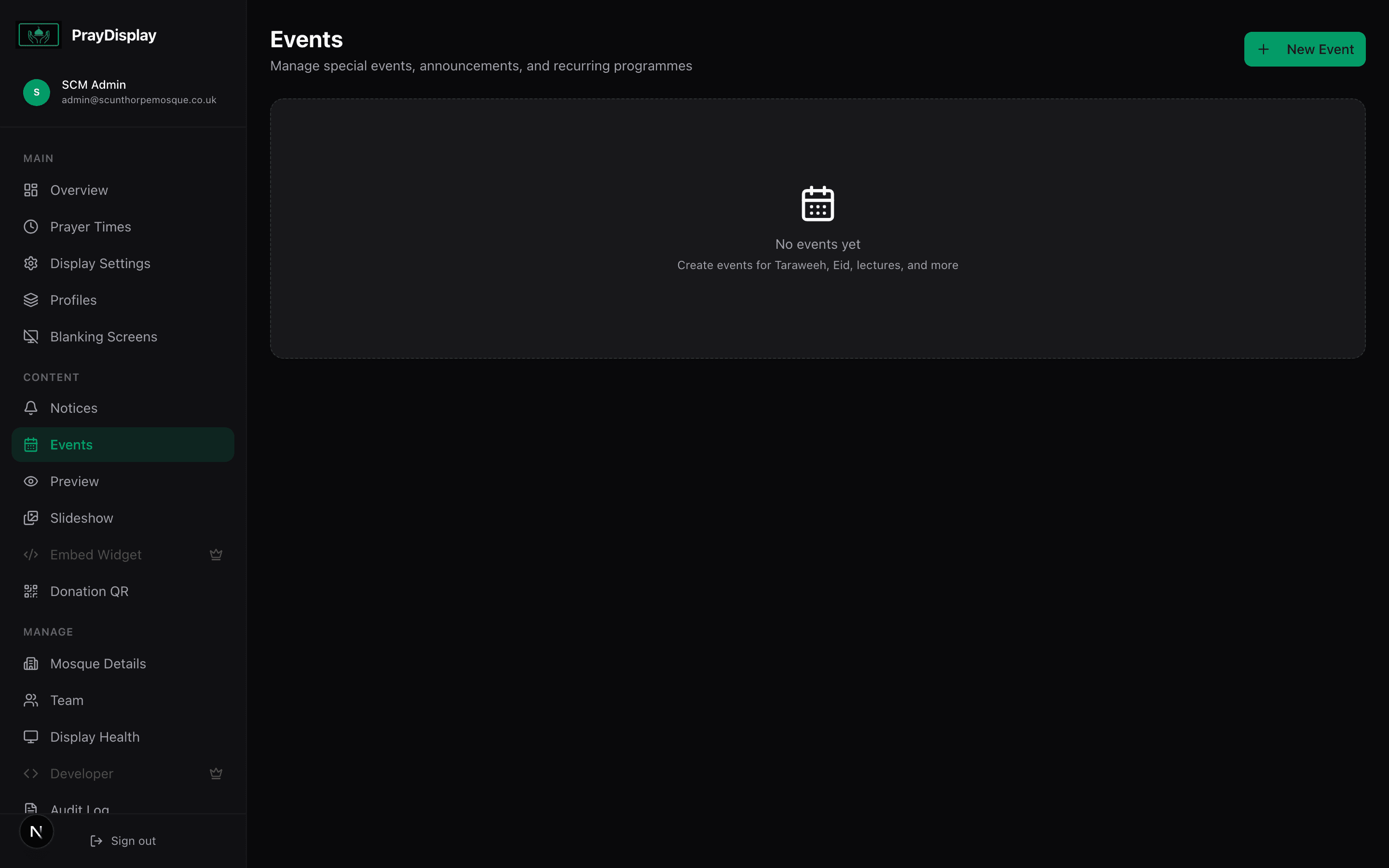
Navigate to 'Events' in the sidebar. Click 'Add Event' and fill in the event name, type, date, time, and an optional description. Choose from event types like Taraweeh, Eid, Jummah Khutbah, Lecture, Fundraiser, Community, or General.
Manage your events
All events appear in a list sorted by date. Each event shows its type badge, date, time, and visibility status. You can toggle events on/off, edit them, or delete them. Events automatically show on the display when their date arrives.
Events on the display
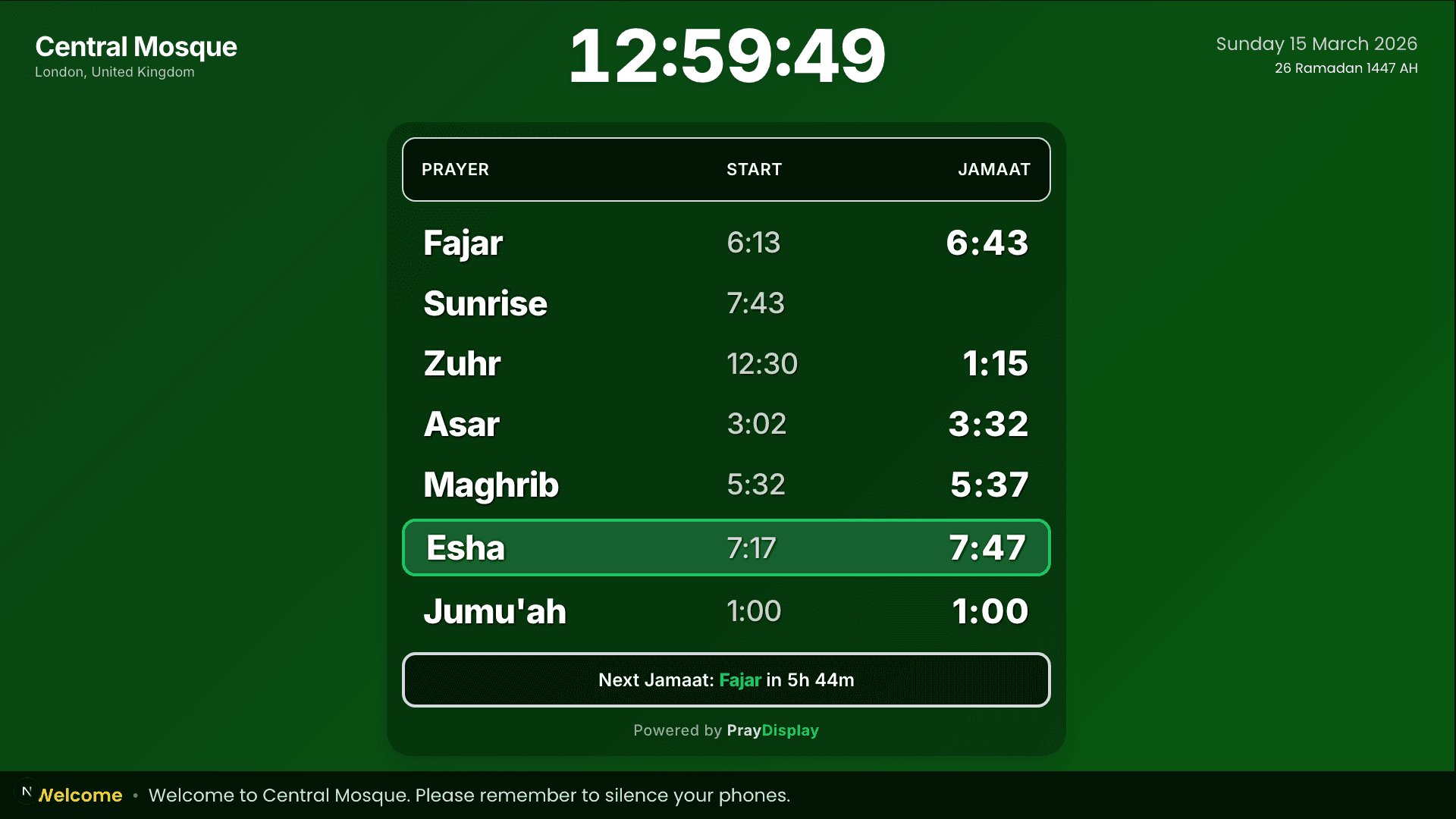
Active events appear on your display alongside prayer times and notices, giving your congregation a clear view of upcoming activities. Changes push instantly to all connected screens.
Recurring events: For events that happen regularly (like weekly Taraweeh during Ramadan), create the event with a date range. PrayDisplay will automatically show it each day within the range.