Developer API
Access your mosque's data programmatically with API keys and receive real-time updates via webhooks.
Create an API key
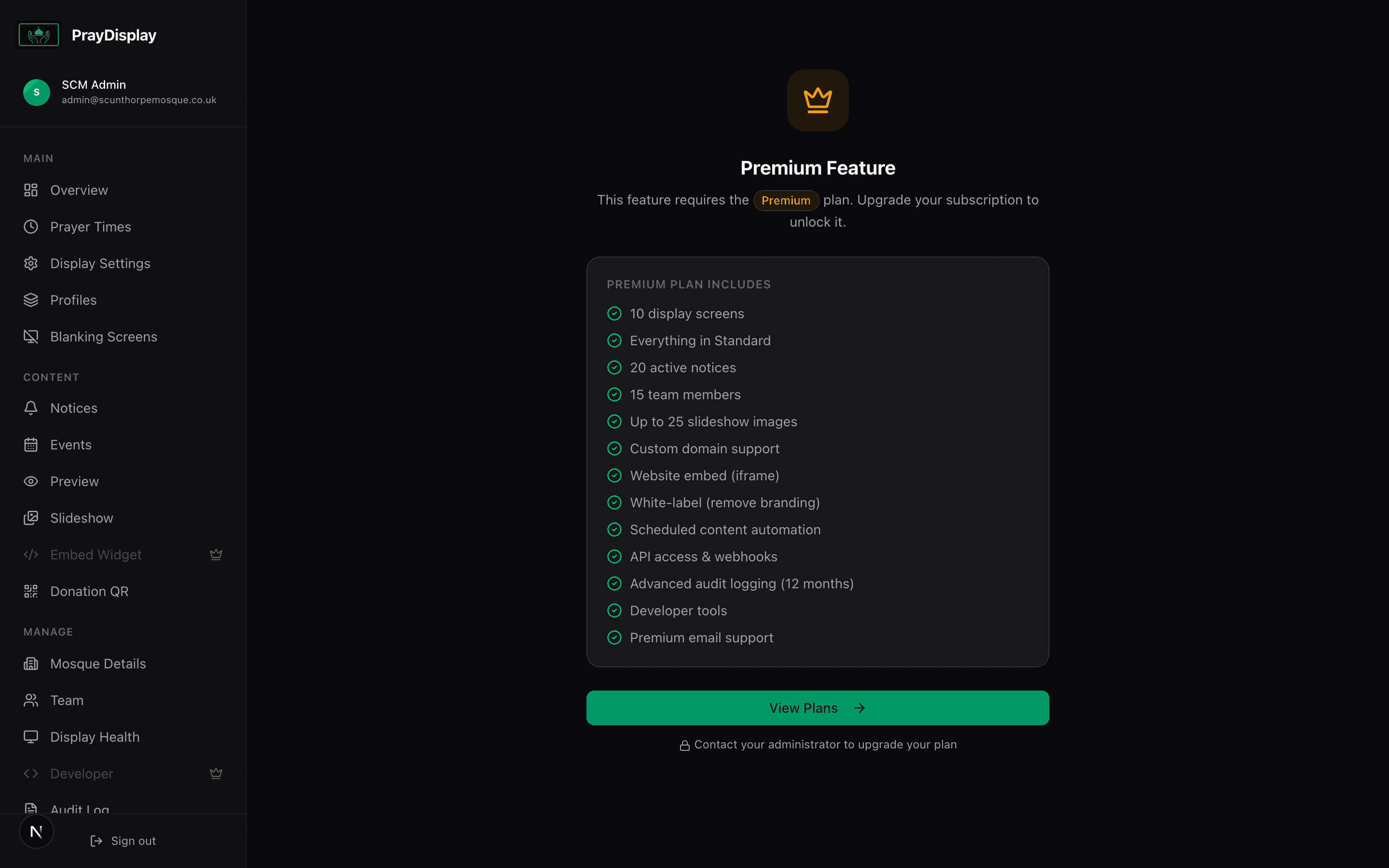
Navigate to 'Developer' in the sidebar. Click 'Create API Key' and give it a name (e.g. 'Website Integration'). Choose permissions: read prayer times, read notices, or full access. The key is shown once — copy it immediately.
Use the REST API
Use your API key in the Authorization header to fetch prayer times, notices, events, and display settings. The API returns JSON and supports filtering by date range.
Configure webhooks
Set up webhooks to receive real-time notifications when prayer times are updated, notices change, or settings are modified. Enter your webhook URL and select which events to subscribe to.
Common use case: Fetch today's prayer times from the API and display them on your mosque's main website, digital signage, or mobile app — keeping everything in sync automatically.