Prayer Screens
Configure screen blanking and custom messages that appear during prayer times and makrooh periods.
Configure blanking screens
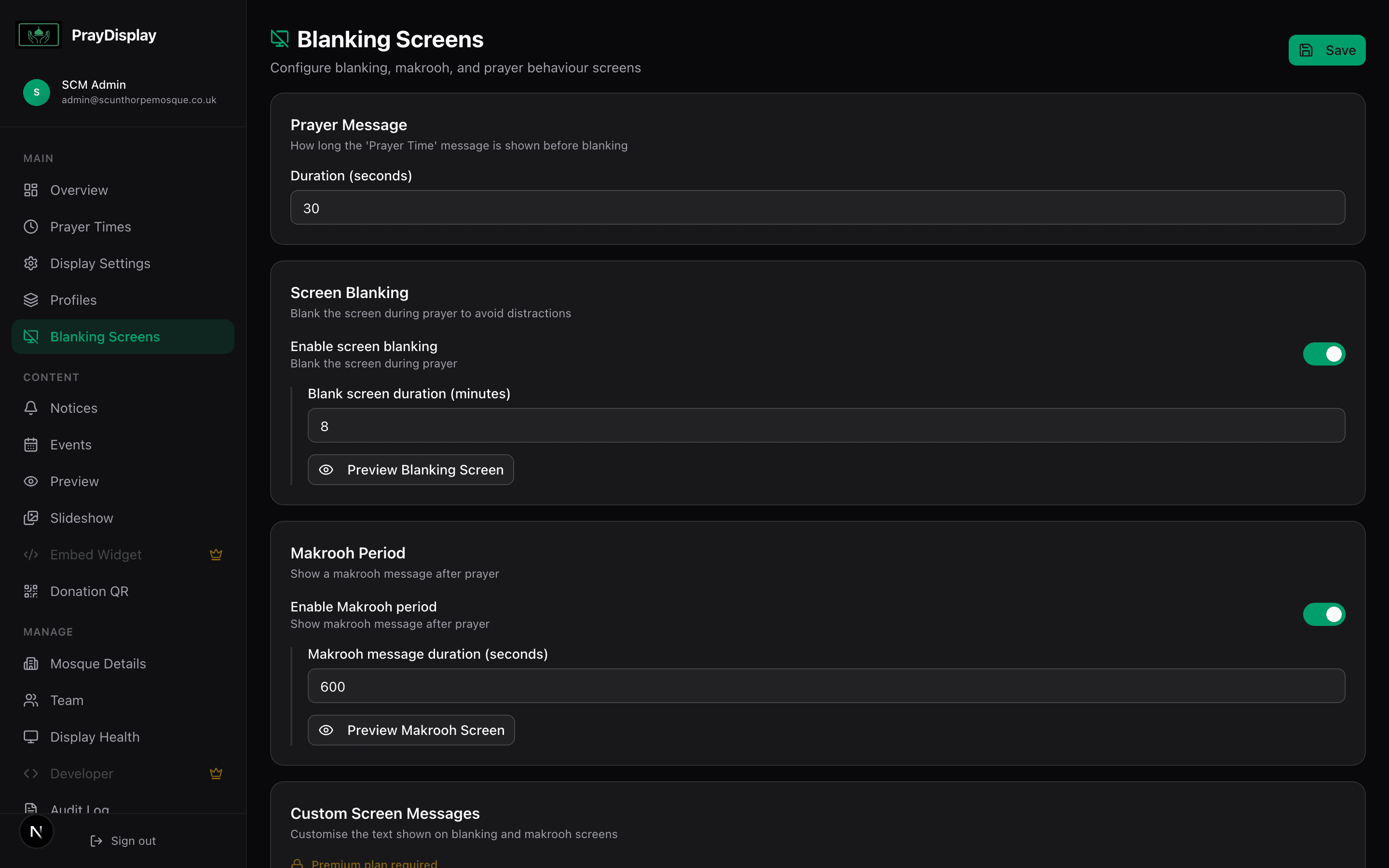
Navigate to 'Blanking Screens' in the sidebar. Here you can enable screen blanking during prayer times, set the duration after iqamah, and customise the blanking message. You can also configure makrooh time messages for sunrise, zenith, and sunset.
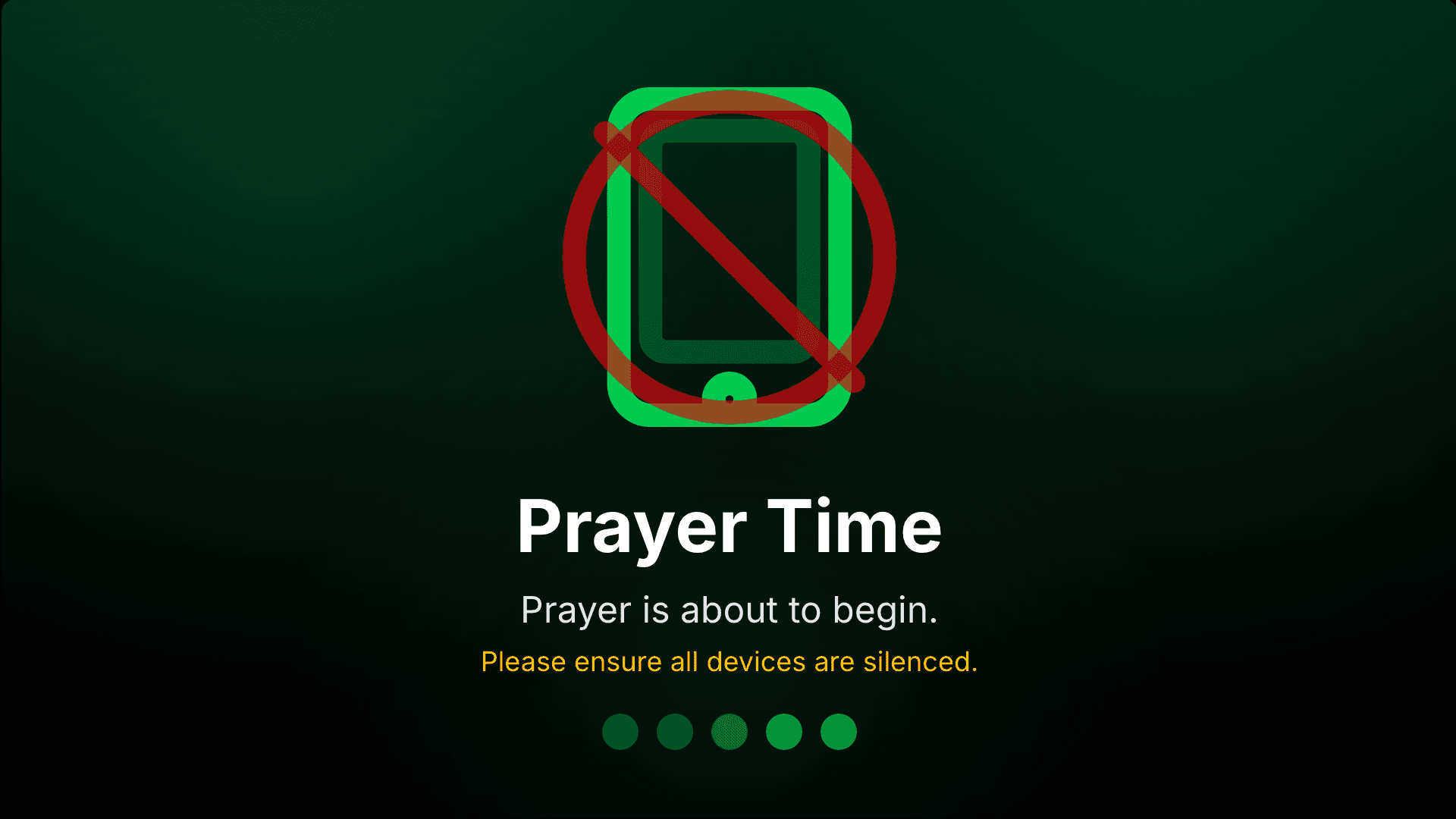
Prayer blanking screen
When enabled, the display shows a full-screen message during prayer times instead of the regular timetable — helping worshippers focus on salah. The message includes an animated phone icon reminding people to silence their devices.
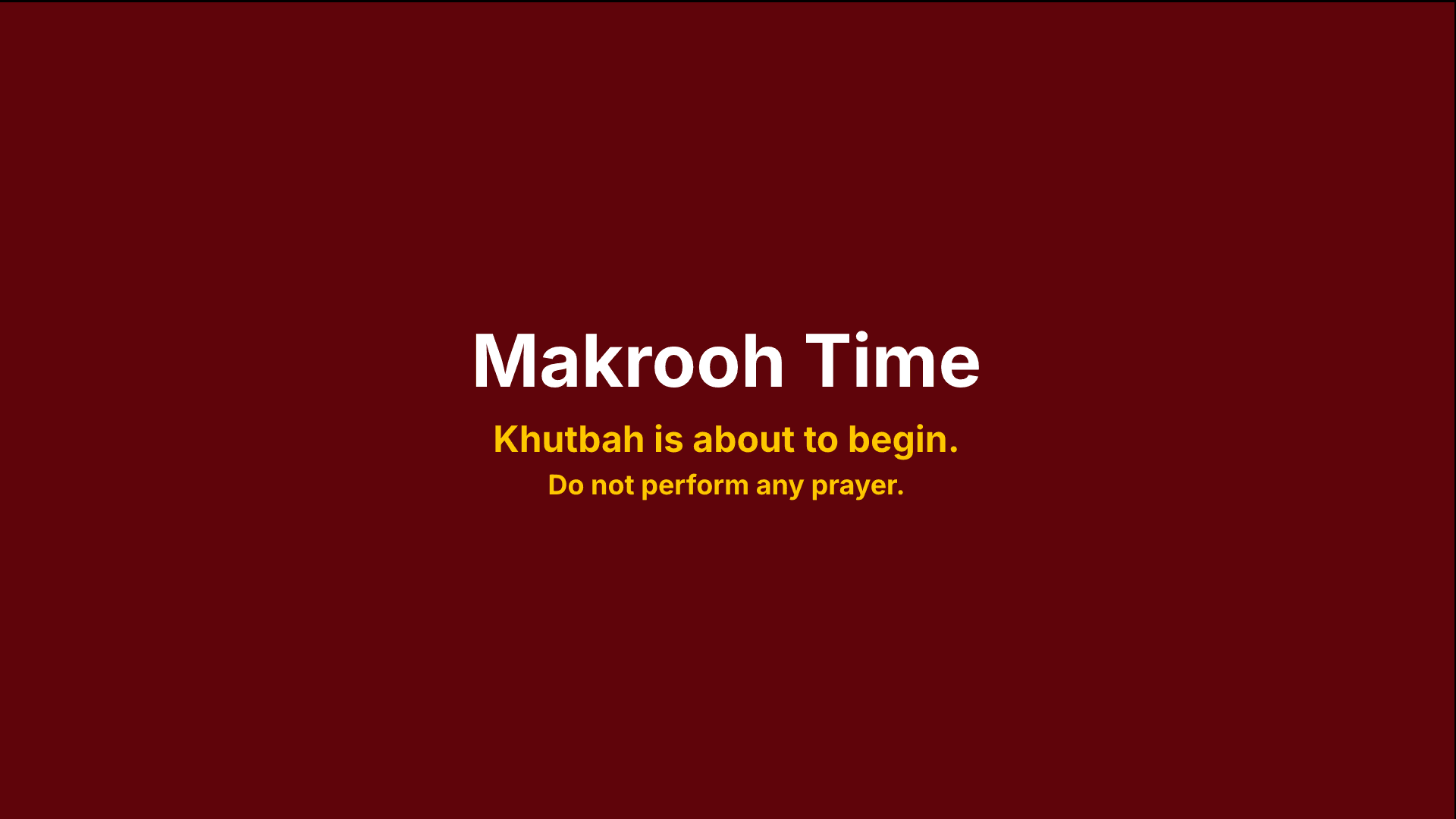
Makrooh time message
During makrooh (disliked) prayer times — before Jumu'ah khutbah, after Asr, etc. — a different message is shown. This warns worshippers that it is not recommended to pray during these times.
Automatic timing: PrayDisplay calculates prayer blanking times from your iqamah times and the duration you set. Makrooh times are calculated automatically from sunrise, solar noon, and sunset data.