DocsConnected Displays
Connected Displays
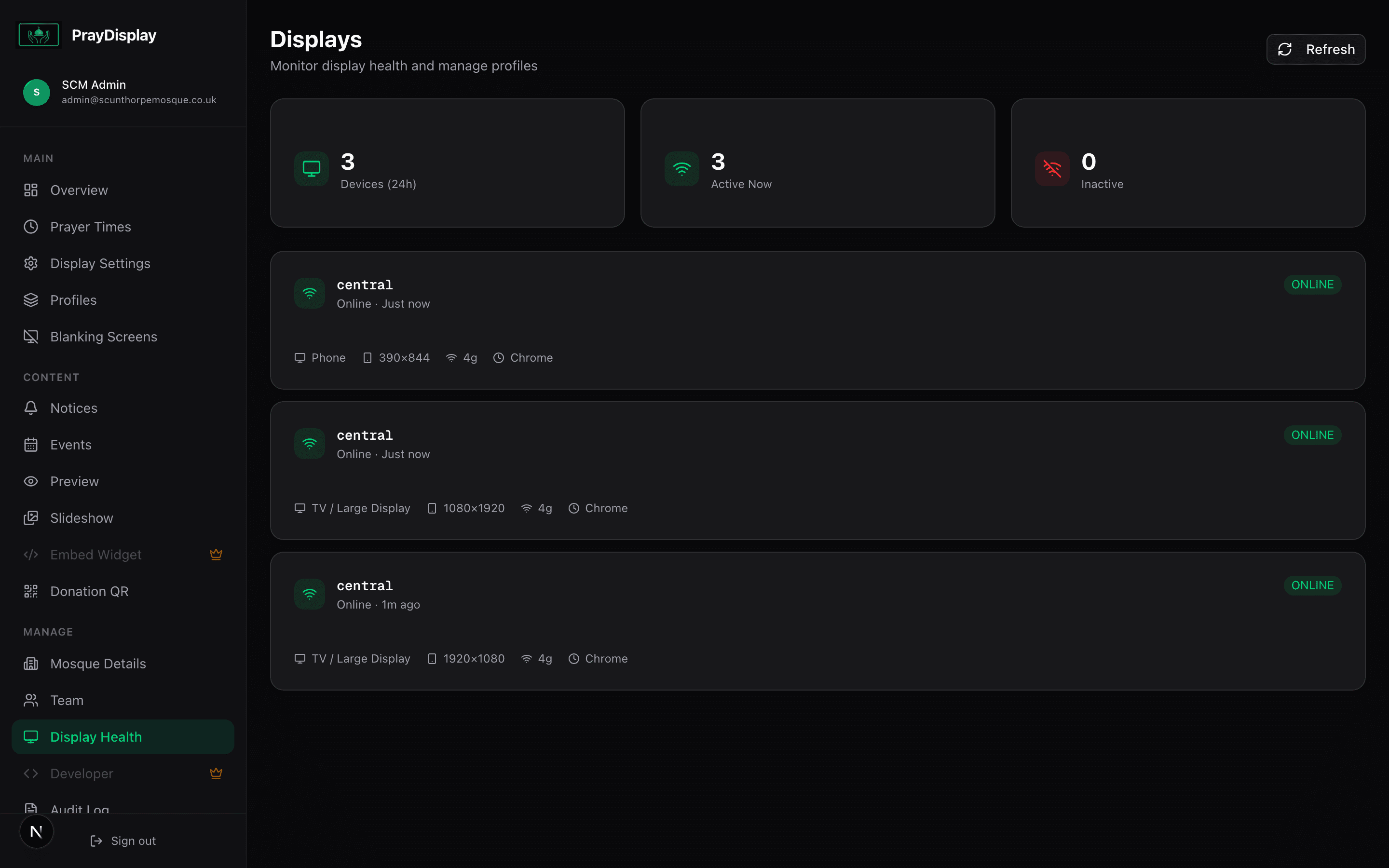
Monitor all devices connected to your prayer display in real-time — check status, device type, and last seen time.
1
View connected devices
Navigate to 'Connected Displays' in the sidebar. You'll see a live list of every device that has opened your display URL. Each entry shows the device type, screen resolution, orientation, browser, and when it was last active.
2
Remove stale devices
Devices that haven't connected in a while will show as 'Offline'. You can remove old entries by clicking the delete icon. This keeps your display list tidy and makes it easy to identify active screens.
Monitoring: Use Connected Displays to verify that your TV is still running after power outages or internet disruptions. If a display shows as offline for too long, check the device and reload the browser.