Embed Widget
Embed a live prayer times widget on your mosque's website so visitors can see today's prayer schedule.
Choose your embed style
Navigate to 'Embed' in the sidebar. Choose between Portrait mode (tall widget showing full timetable) or Compact mode (a small horizontal bar). Both styles update in real-time.
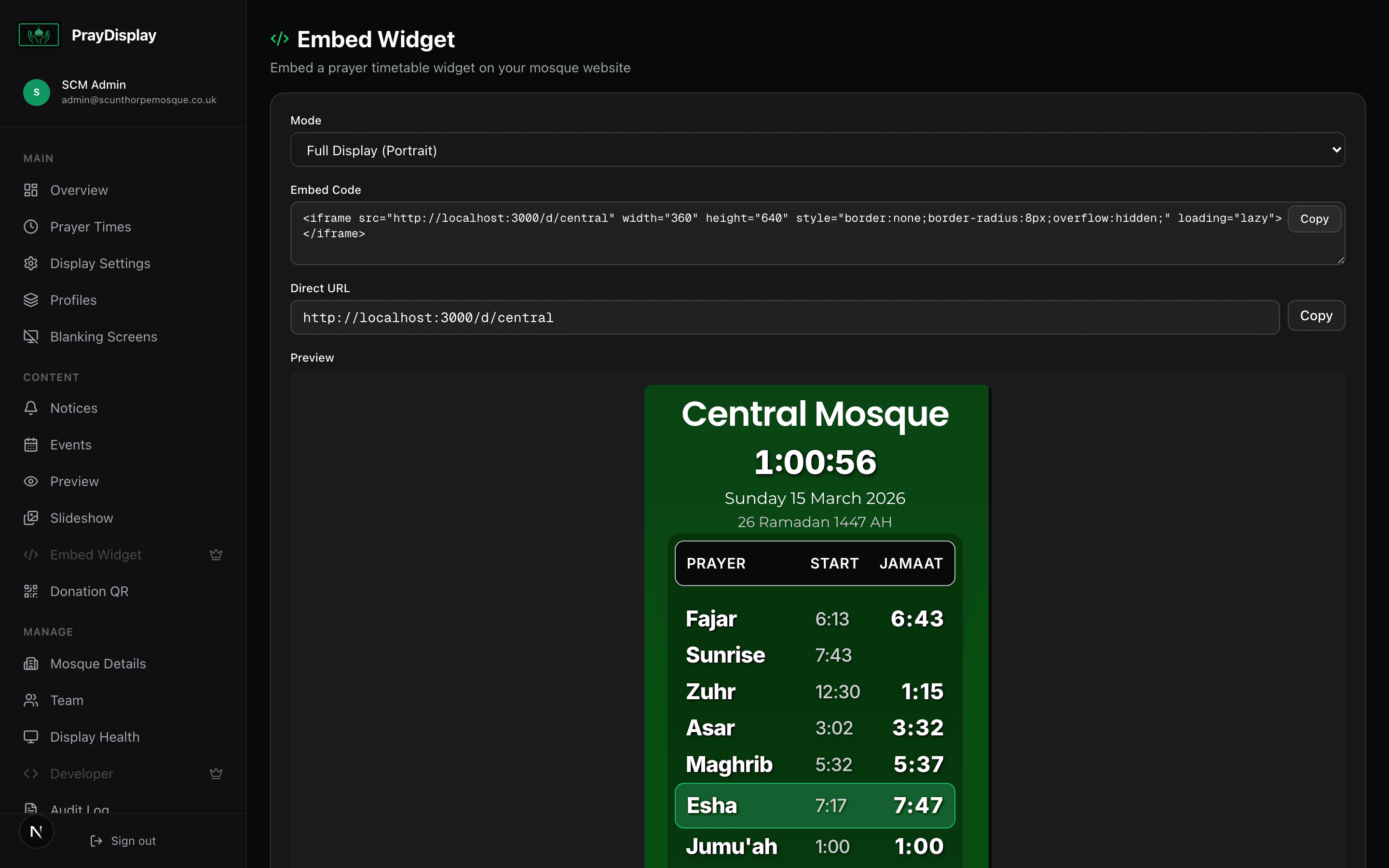
Copy the embed code
Click 'Copy Code' to get an HTML snippet. Paste this into your website's HTML where you want the prayer times widget to appear. The snippet is a simple iframe that loads your prayer display in the chosen style.
Preview on your website
The embedded widget shows today's prayer times with your mosque's branding and colours. It updates automatically — no need to touch the embed code again. The widget is fully responsive and works on mobile.
Works everywhere: The embed code works with any website builder — WordPress, Squarespace, Wix, or custom HTML. Just paste the iframe code in an HTML block.