DocsSlideshow
Image Slideshow
Add rotating images to your display for event posters, announcements, and community info.
1
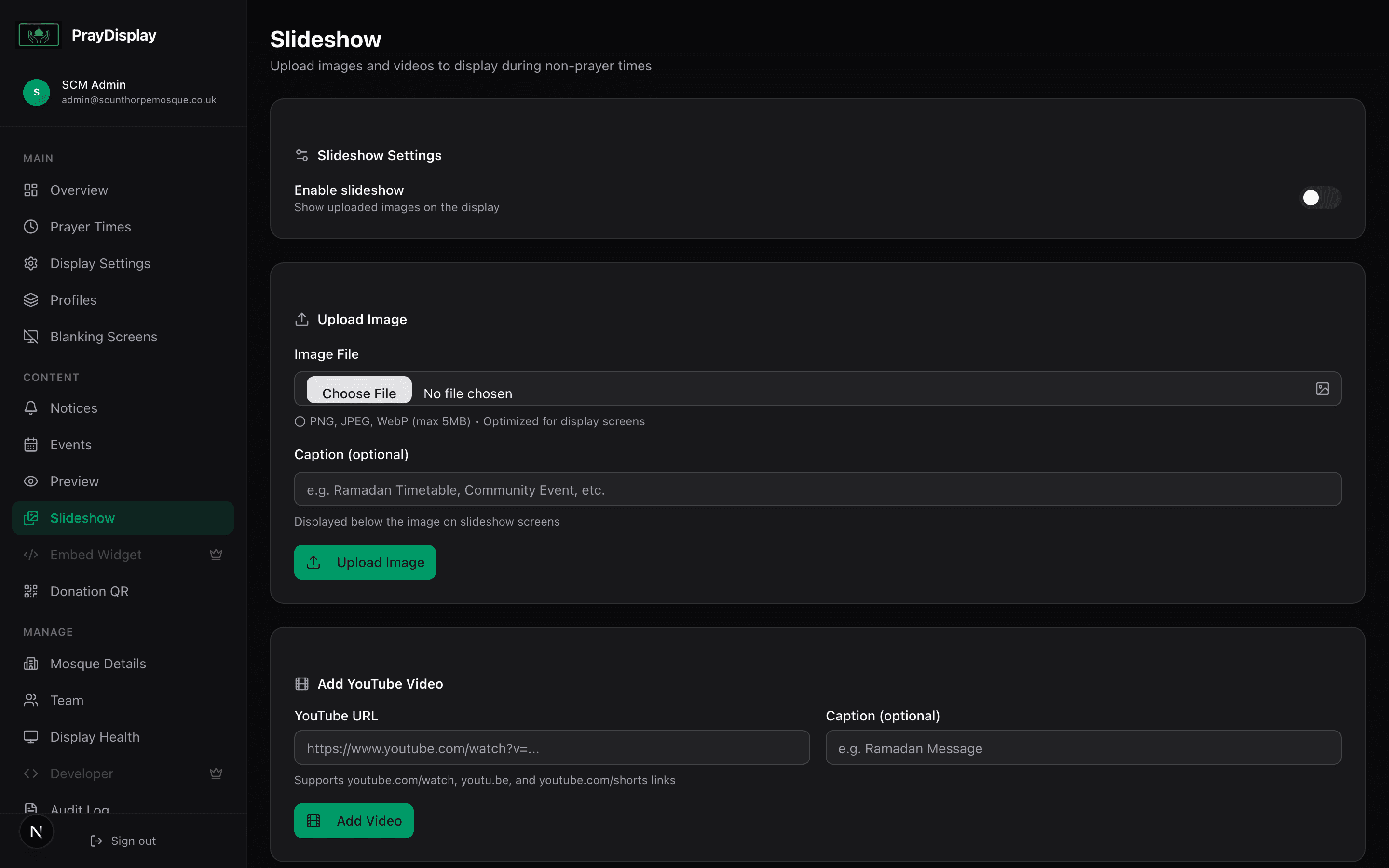
Upload slideshow images
Go to 'Slideshow' in the sidebar. Click 'Upload Image' and select your images. Supported formats include JPG, PNG, WebP, and even video files. You can drag and drop multiple files at once. Reorder images by dragging them.
2
Configure slideshow settings
Under 'Display Settings', enable the slideshow toggle and set the interval (how long each image shows). Choose a transition effect: fade, slide, zoom, or none. In landscape mode, images appear in the sidebar panel alongside prayer times.
Perfect for events: Upload Ramadan timetables, Eid event posters, fundraiser flyers, or community announcements. They'll rotate on the display alongside prayer times.