DocsScheduled Changes
Scheduled Changes
Schedule automatic theme, settings, or notice changes to happen at specific dates — perfect for Ramadan, Eid, or seasonal themes.
1
Create a scheduled change
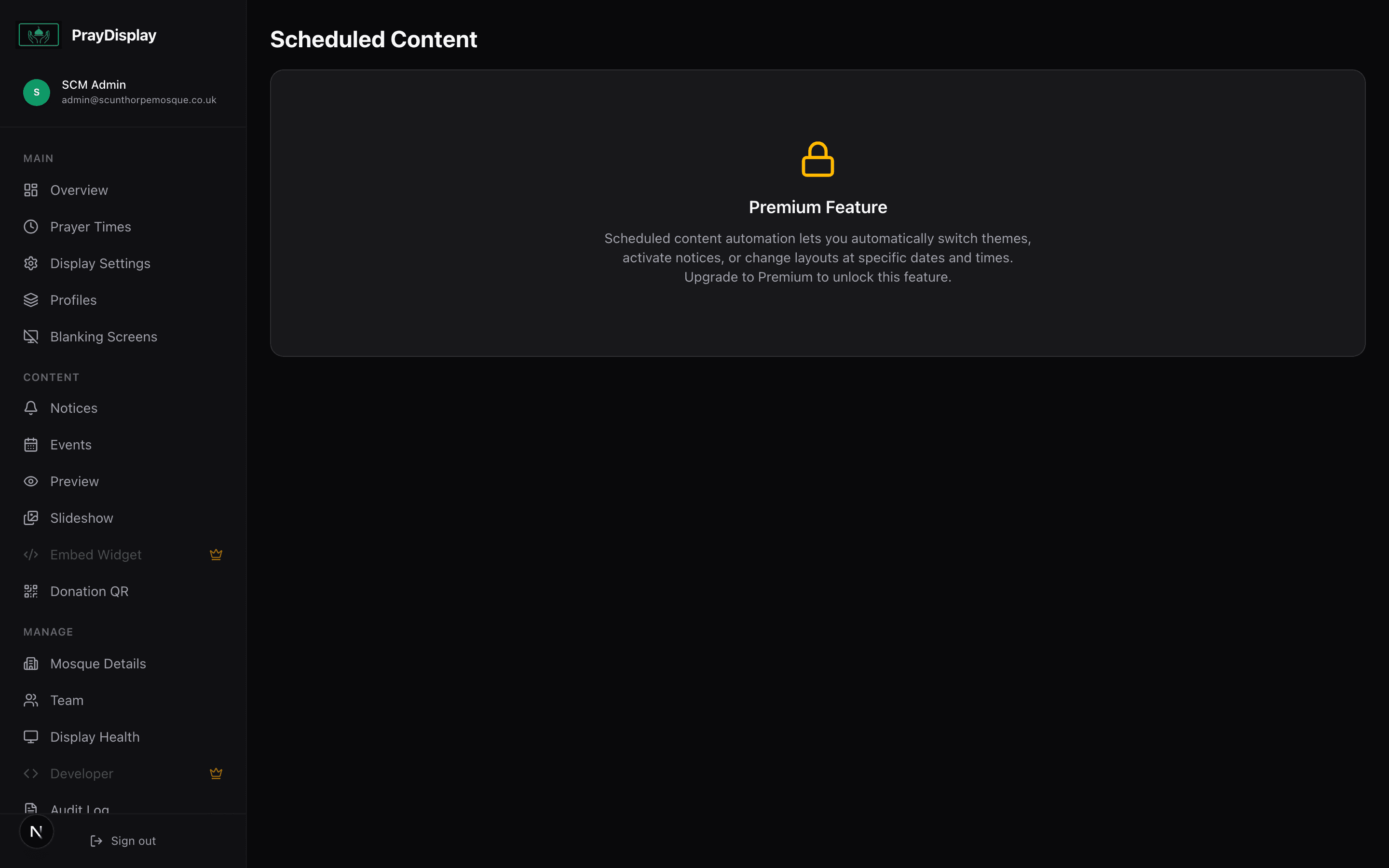
Navigate to 'Scheduled' in the sidebar. Click 'Add Scheduled Change'. Choose what to change: theme, display settings, or notice visibility. Set a start date and an optional end date (for temporary changes).
2
View upcoming & past changes
All scheduled changes appear in a timeline view. Active changes show a green badge, upcoming ones show a blue badge, and expired ones show as grey. You can edit, delete, or toggle any scheduled change.
Automate Ramadan: Schedule a purple theme and "Ramadan Mubarak" notice to activate on the 1st of Ramadan and automatically revert when Ramadan ends — no manual intervention needed.