Display Profiles
Create multiple display profiles with different themes and settings for different screens or occasions.
Create a display profile
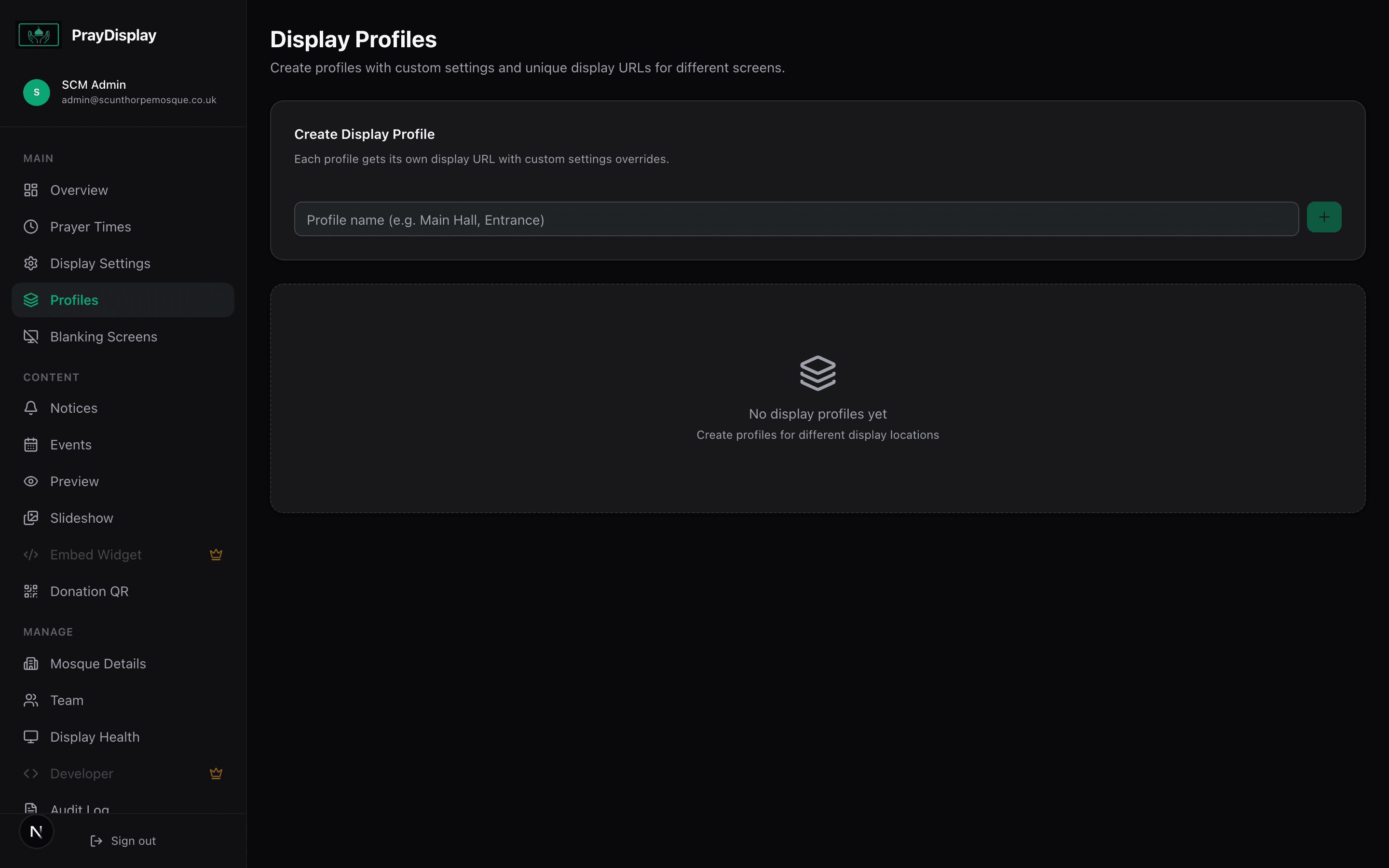
Navigate to 'Profiles' in the sidebar. Click 'Add Profile' and give it a name (e.g. 'Main Hall', 'Women's Section', 'Ramadan Theme'). Each profile gets its own unique display URL with independent settings.
Customise each profile
Click the settings icon on any profile to override the default display settings. You can change the gradient colours, font, layout orientation, and toggle features like slideshow or donation QR per-profile. Any setting not overridden inherits from your mosque's default.
Use profile URLs
Each profile has its own unique display URL. Open the profile URL on a different TV to show that profile's custom theme and settings. All profiles share the same prayer times and notices — only the visual appearance changes.
Use case: Have a blue theme for the women's prayer hall, a green theme for the main hall, and a special purple Ramadan theme you activate seasonally — all from a single dashboard.