Getting Started
Create your account, register your mosque, and get your display running in under 5 minutes.
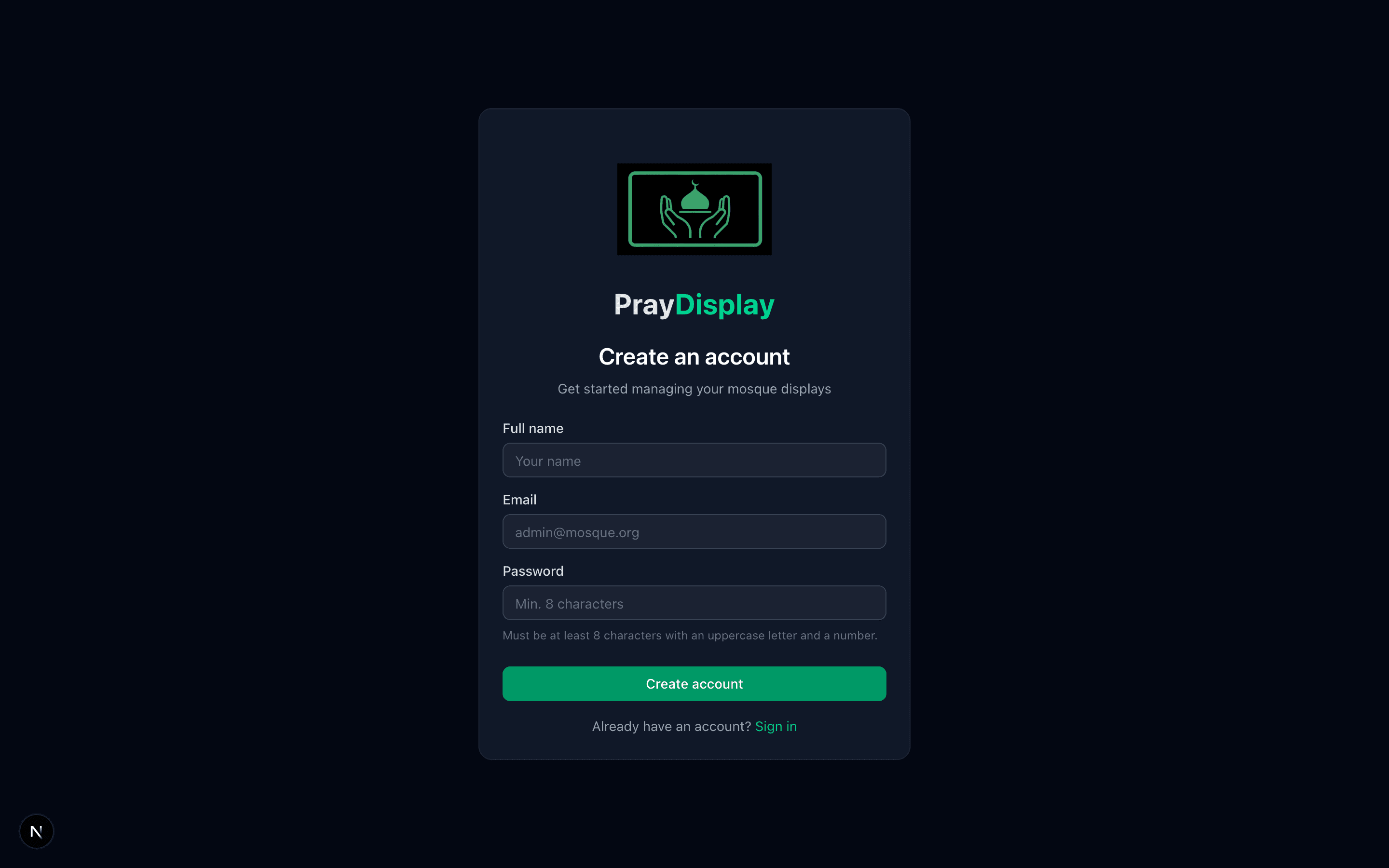
Create your free account
Visit praydisplay.co.uk and click 'Get Started'. Fill in your name, email address, and create a password. You'll receive a verification email — click the link to confirm your account.
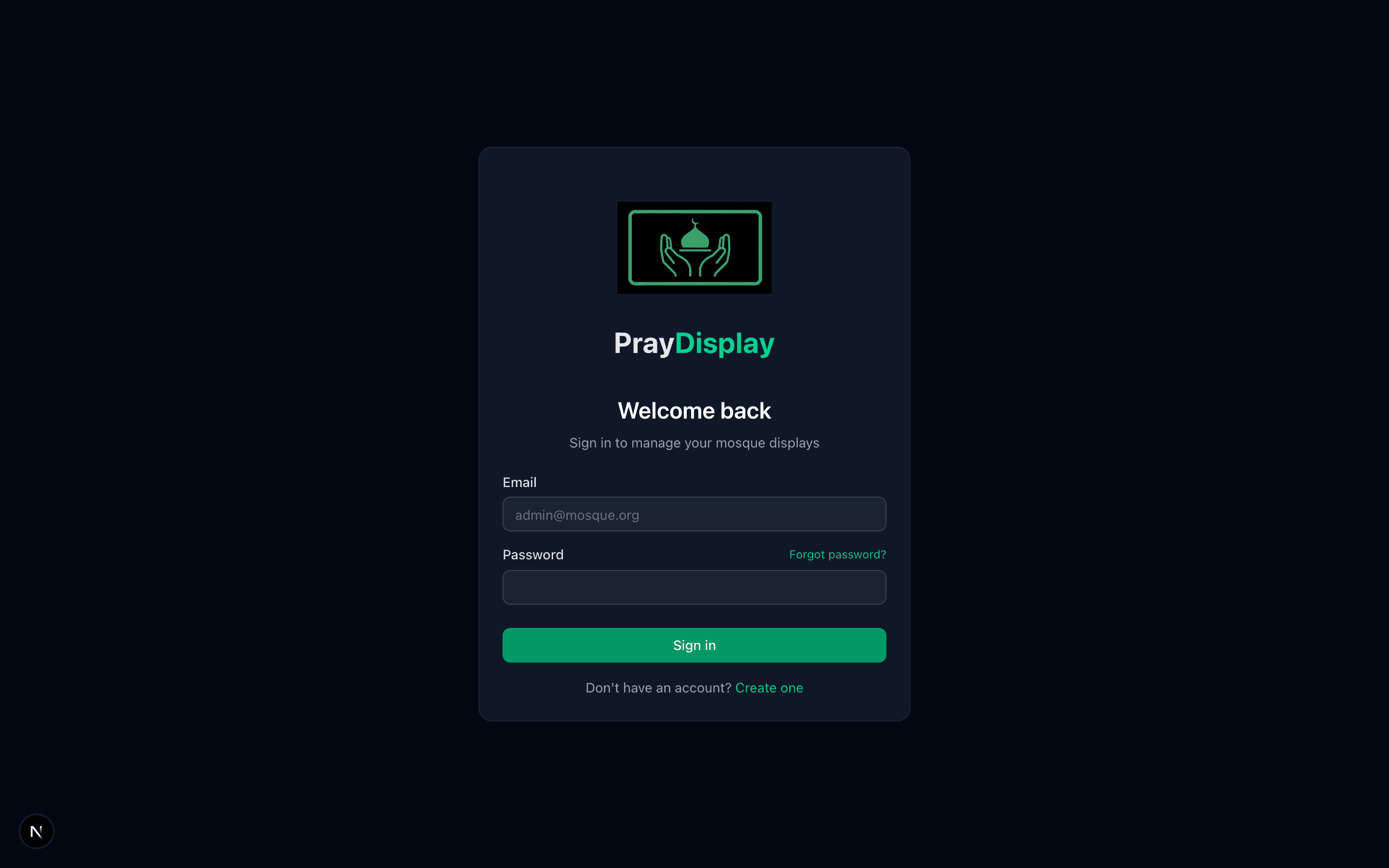
Sign in and view your dashboard
After verifying your email, sign in to access your mosque dashboard. You'll see the sidebar with all the management options — Prayer Times, Display Settings, Notices, Events, Slideshow, and more.
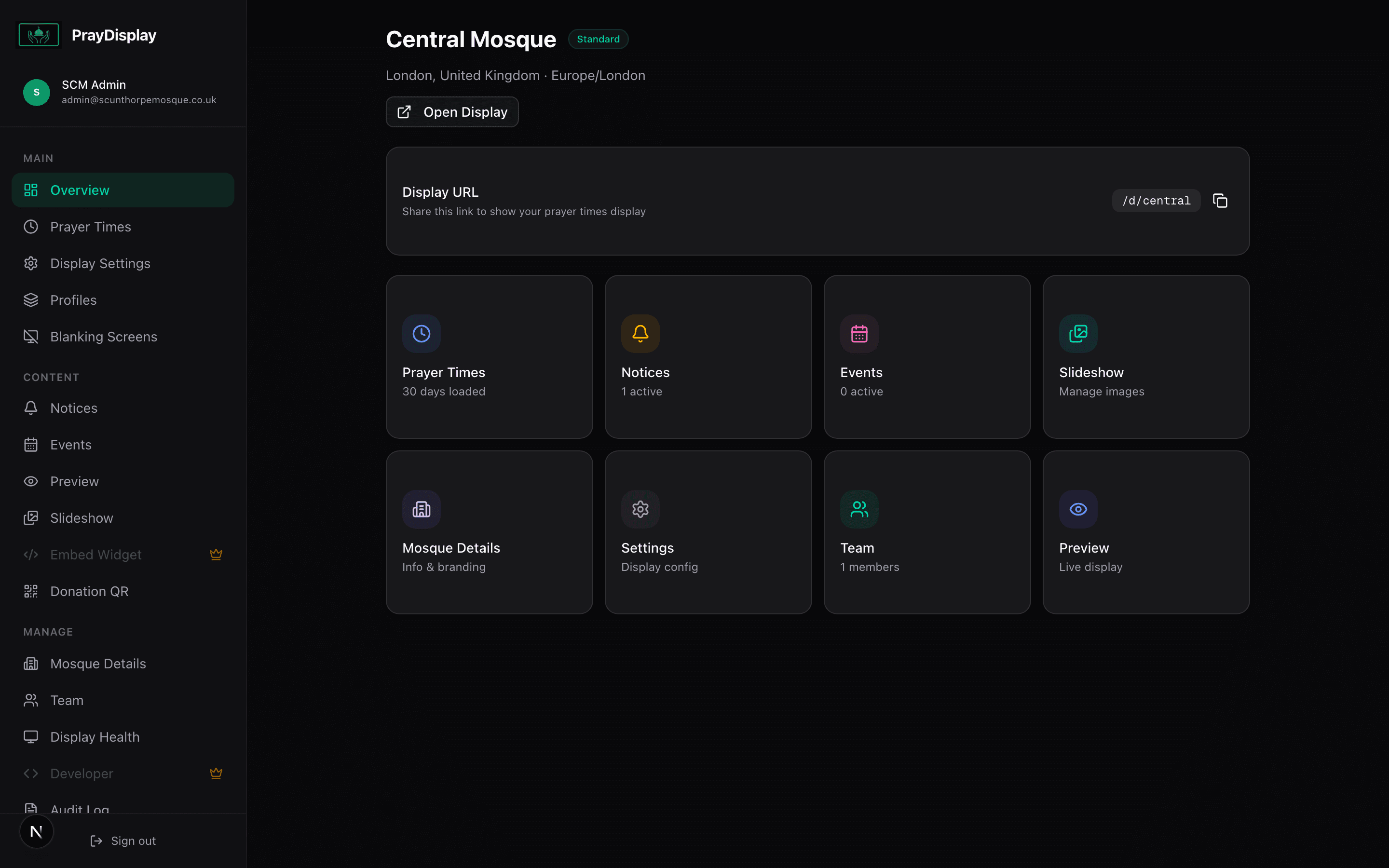
Your mosque dashboard
Once logged in, you'll see the full dashboard with the sidebar navigation on the left. From here you can manage prayer times, display settings, notices, events, slideshow images, team members, and more.
What's next? Once your mosque is registered, head to the Prayer Times guide to upload your timetable, or jump to TV Setup to connect your display.